
For service businesses
Keep your calendar. Let an AI agent read what is open.
Square Appointments availability reads are live. The booking write remains in closed beta.
- Calendar
- stays in the account your team uses
- Availability
- live on Square Appointments
- Booking write
- closed beta

A recommendation is not yet an appointment
A name, a link or a phone number still leaves the booking unfinished. An agent needs a real service and an open slot from the booking system.
- 01The calendar remains the source of availability.
- 02A website can explain the business. It does not expose an action an external agent can complete.
- 03WhatsDo reads only the actions supported by the connected booking system.
Read the calendar you already run
Connect Square Appointments so an external agent can read services and live availability. The booking write remains in closed beta.
- 01Confirm the Square account your business actually uses.
- 02Authorize the supported connection from that account.
- 03Review the locations, services, prices, currency and timezone the agent can read.
- 04Keep Square Appointments as the source of live availability.
If your calendar runs on Square Appointments, the exact reads, writes and permissions are set out on the Square connector page.
Tell us what runs your calendar
Square Appointments availability is the live path. Tell us what runs your calendar and we will return its current status.
Booking system check
Tell us what runs your calendar. We will answer whether WhatsDo has a live availability read, a path still under verification, or no current connection.
Your calendar stays in place
WhatsDo connects to the supported account instead of replacing the booking system your team uses.
- 01Your services, prices and staff workflow stay in the existing account.
- 02Your existing customer booking path remains available.
- 03You review the fields exposed to an external agent.
- 04You can revoke the provider authorization from your own account.
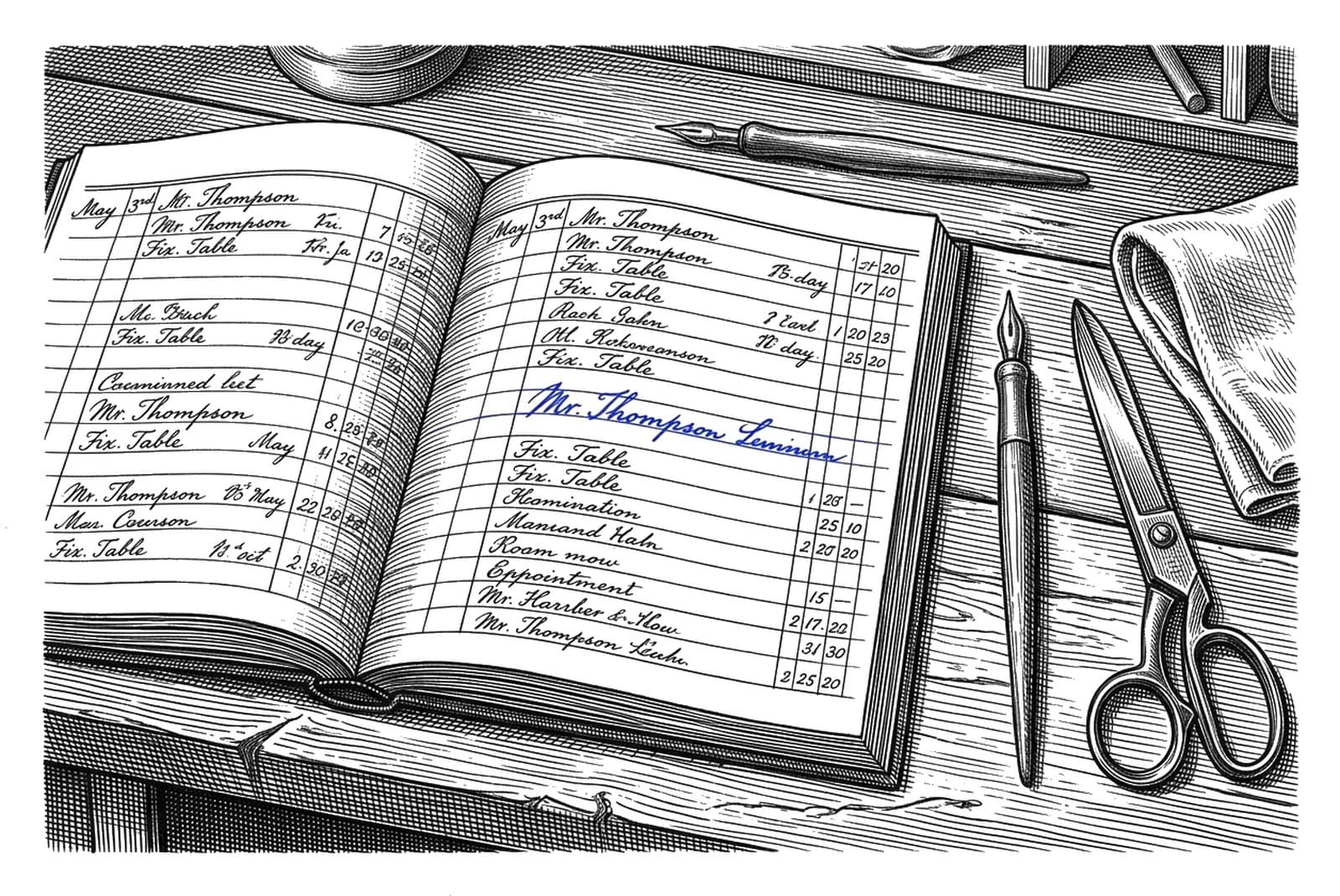
Written out for a specific trade: med spas, massage and spa studios and salons and barbershops.
What is live now
Each action carries its own status.
- 01Live: Square Appointments availability reads.
- 02Closed beta: the booking write against a controlled merchant.
- 03Unavailable: cancellation and rescheduling through the agent path.
- 04On request: booking systems whose connector is not verified yet. The team can handle a request by hand, labelled as manual.
Questions we get
What if my calendar runs on something else?+
If it is not Square Appointments, availability is not presented as live. Tell us what you use and we will answer with its current status.
What can an agent do today?+
An external agent can read live availability from a connected Square Appointments account. The booking write remains in closed beta.
What do I review before connecting?+
The Square account, locations, services, prices, currency and timezone that the agent can read.
Can I stop at any time?+
Yes. Revoke the authorization from your provider account to end the connection.
Tell us what runs your calendar.
Nothing changes for your staff, and you can disconnect at any time.
Building an agent? Start here